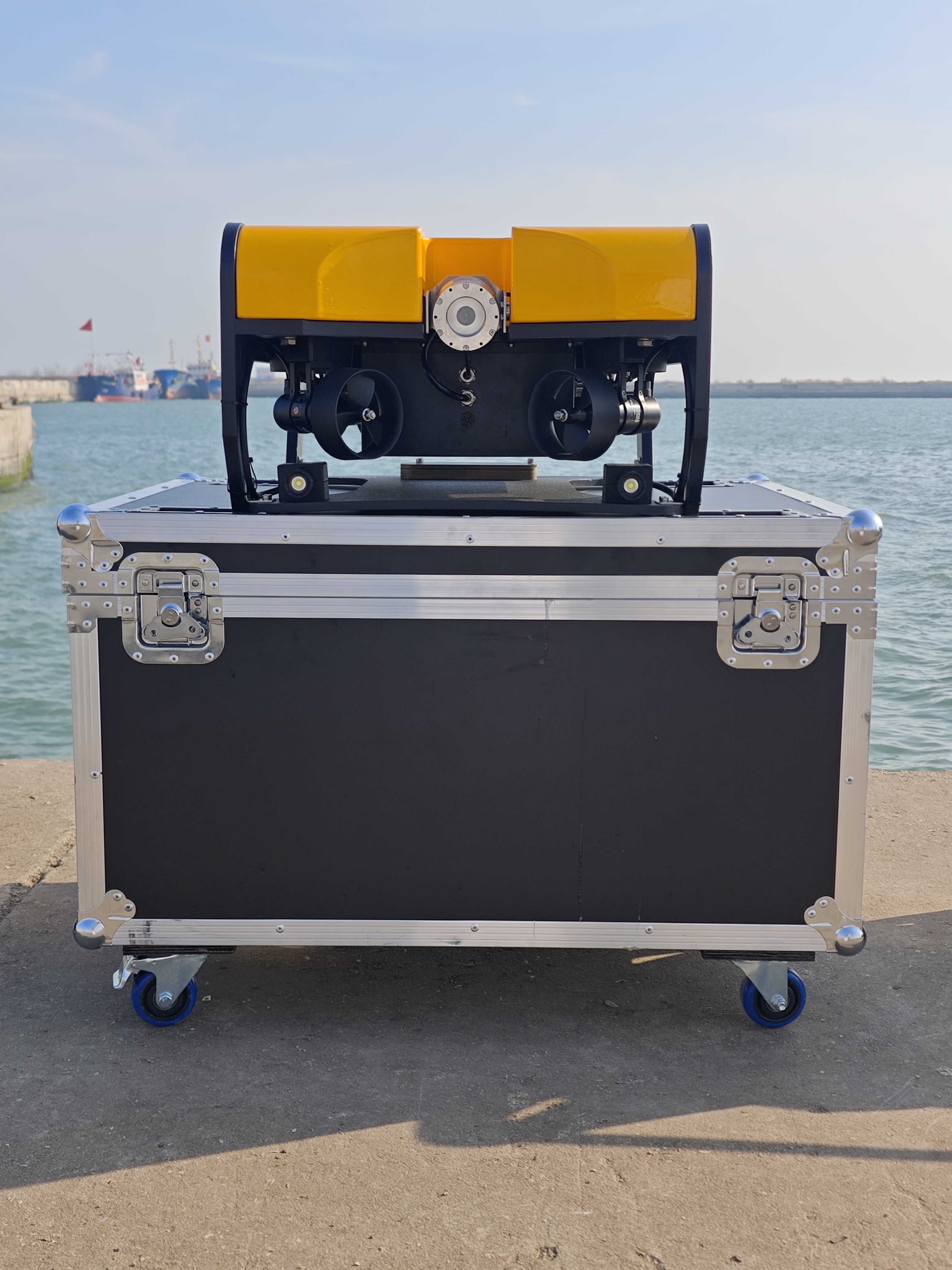
ROV Applications

ROV Configuration Guide

ROV configuration guide for choosing camera, lighting, tether, sonar, manipulator arm and payload options before requesting a quote.

ROV Configuration Guide ROV application solution for underwater inspection

Payload / Camera / Sonar Selection

Scenario Overview

ROV configuration guide for choosing camera, lighting, tether, sonar, manipulator arm and payload options before requesting a quote.

ROV configuration should start from the mission: working depth, water visibility, target object, launch position and required evidence. A buyer who only compares model names may miss the camera, tether, payload and support details that decide whether an underwater robot is useful on site.

Choose the base ROV platform first

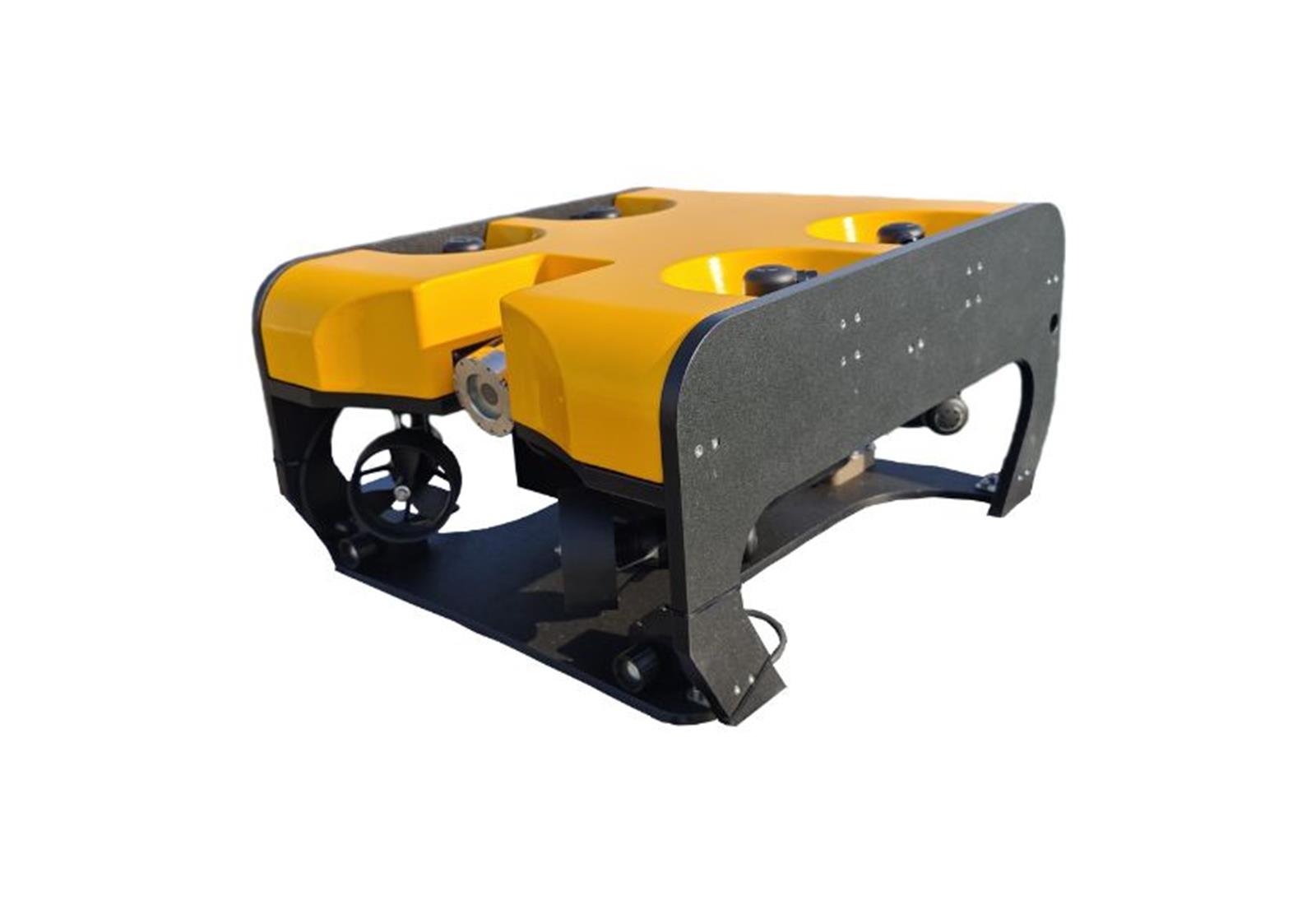
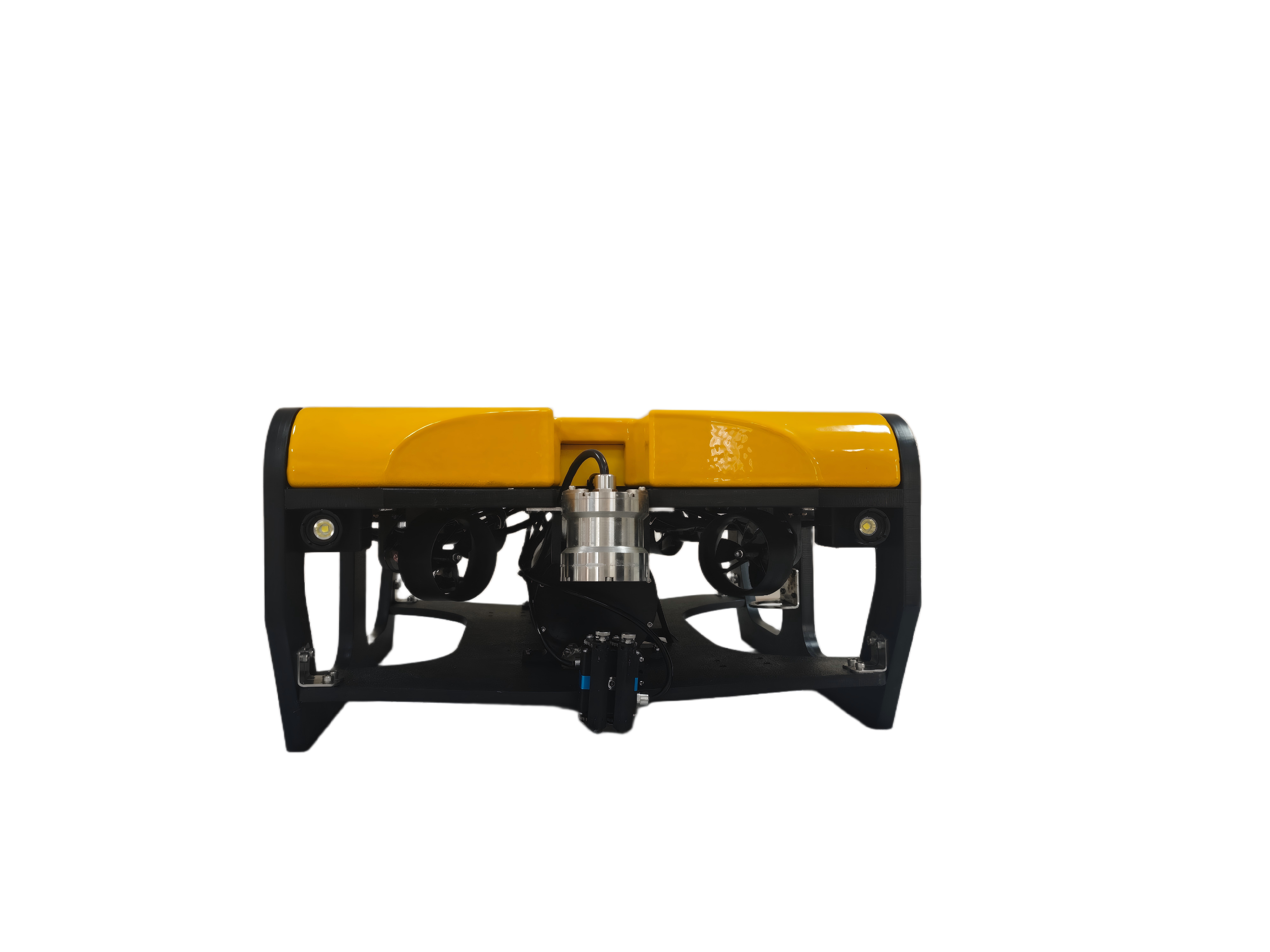
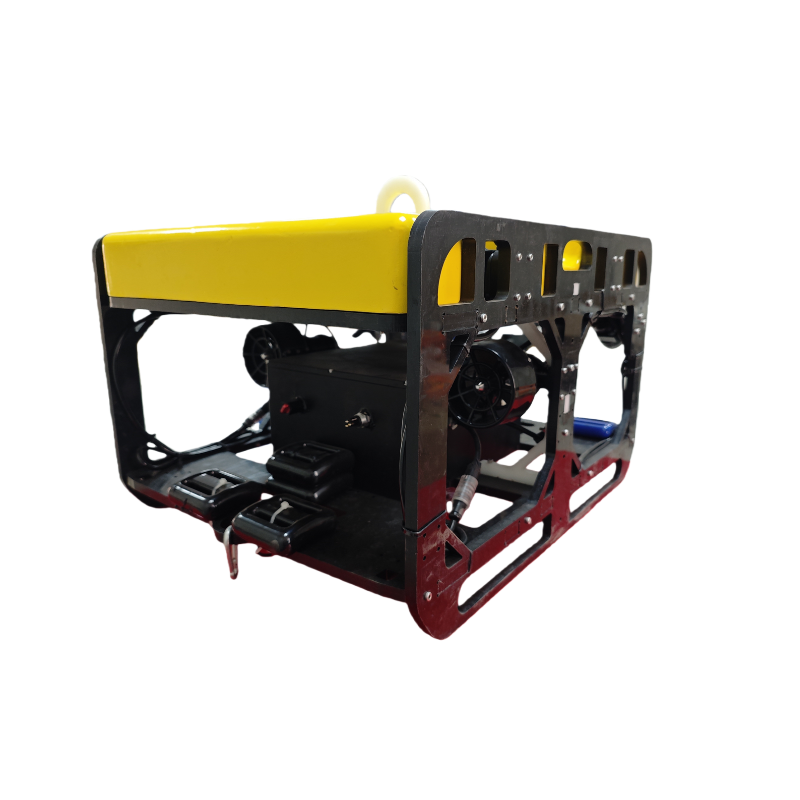
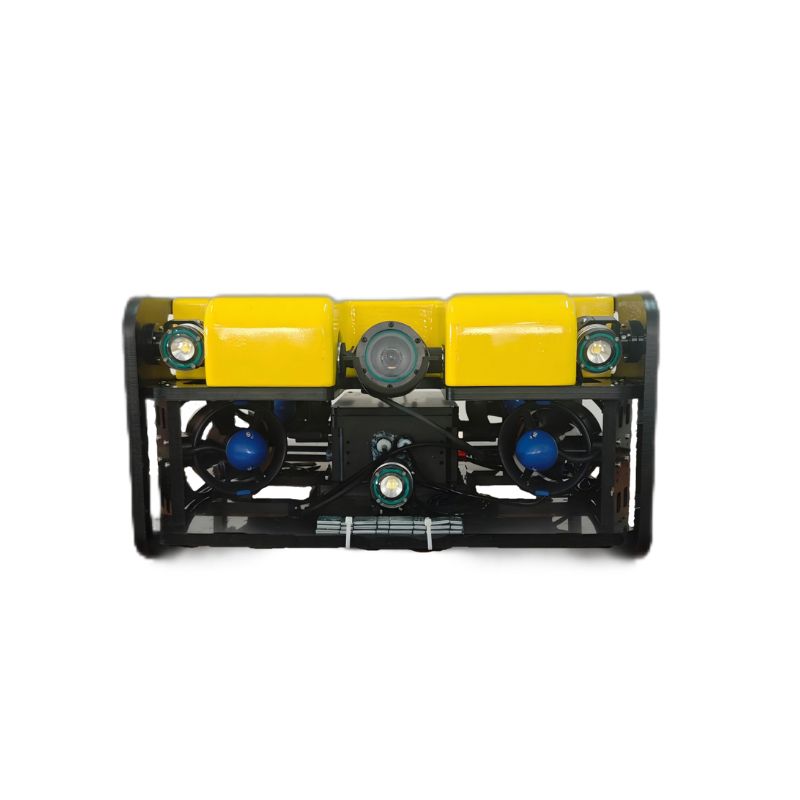
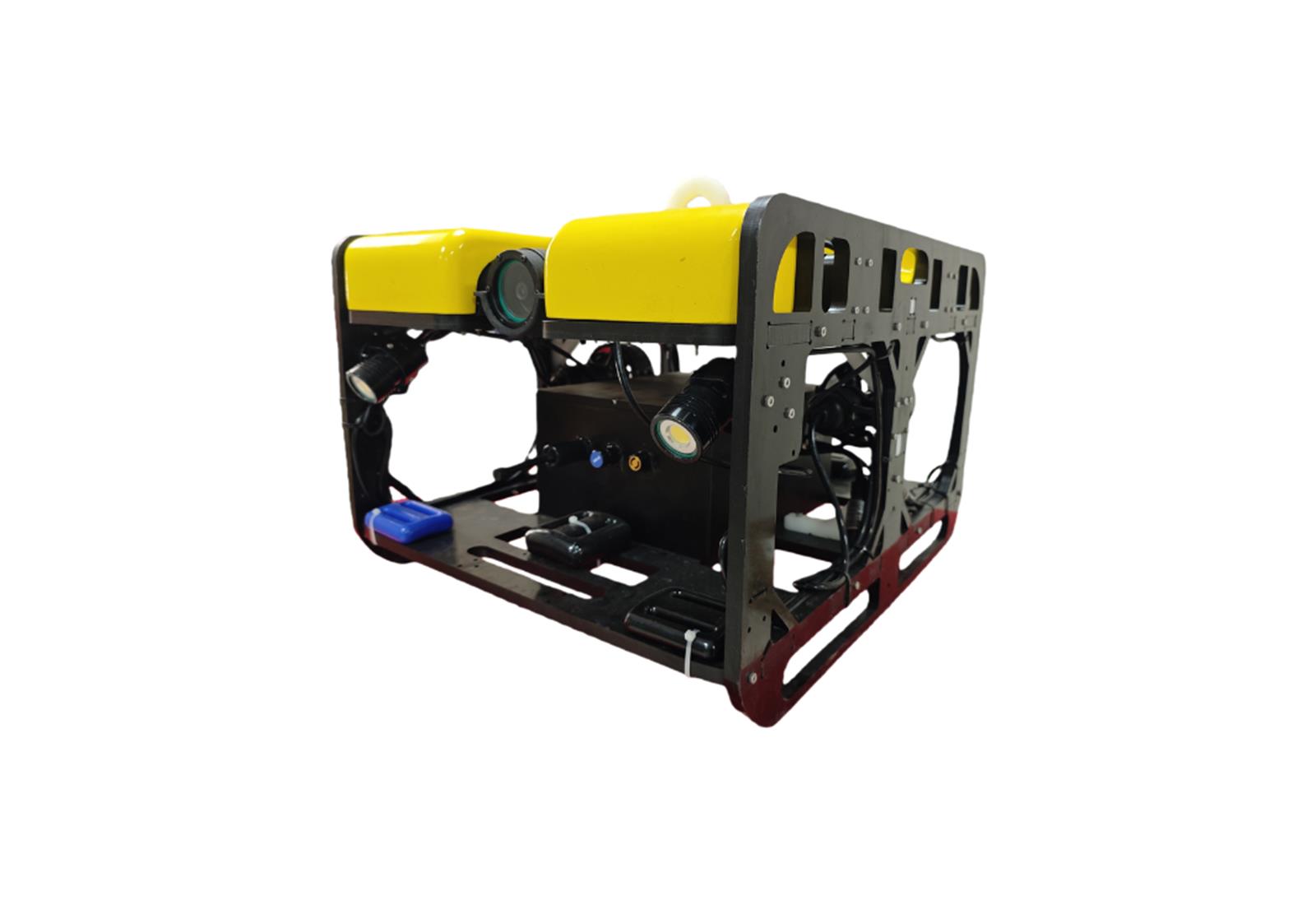
For routine visual inspection, start with a compact inspection ROV. For bridge, dock, reservoir or shore-side infrastructure work, review tether route, power workflow and operating time. For special payloads or OEM requirements, discuss a custom ROV package before confirming price.

Match camera and lighting to visibility

Clear water can use a standard inspection camera package. Muddy water, industrial water and night operation may require stronger lighting, turbid-water camera discussion or sonar-ready planning. Binocular vision can help training, research and close-range target judgment.

Decide payload support early

Manipulator arm, scanning sonar, USBL, DVL, payload bracket, cleaning tool and special sensor interfaces should be discussed before quotation. Payload affects buoyancy, bracket design, control workflow, spare parts and delivery scope.

RFQ information to prepare

Send working depth, maximum depth, visibility, current, target object, tether length, payload modules, quantity, destination country and OEM needs. ROV123 can then recommend a suitable platform and configuration scope.
Inspection Challenges

Common problems in this underwater operation.

Limited Underwater VisibilityBuyers need repeatable video records before sending divers, stopping equipment or opening a maintenance job.
Unclear Model SelectionDepth, tether, camera, lighting and payload options are easier to confirm when the operating scenario is clearly described.
Commercial Quotation GapProcurement teams need a clear RFQ checklist before comparing supplier quotations and delivery scope.
Distributor ReadinessLocal partners often need OEM material, spare parts and documentation suitable for their market.

Recommended ROV Configuration

Match the underwater robot to the site condition.

Working DepthMaximum depth, normal operating depth and safety margin.
VisibilityWater clarity, lighting needs, camera angle and recording workflow.
DeploymentBoat, dock, cage walkway, shore, reservoir bank or work platform.
PayloadSensor, grabber, cleaning accessory, bracket or custom interface.

RFQ Checklist

Information that improves quotation accuracy.

Where will the ROV be deployed?

Tell us whether it is used from a vessel, dock, cage platform, reservoir bank or fixed work site.

What needs to be inspected?

Target objects can include nets, hulls, pilings, intakes, pipes, tanks, gates, anchors or underwater terrain.

Do you need accessories?

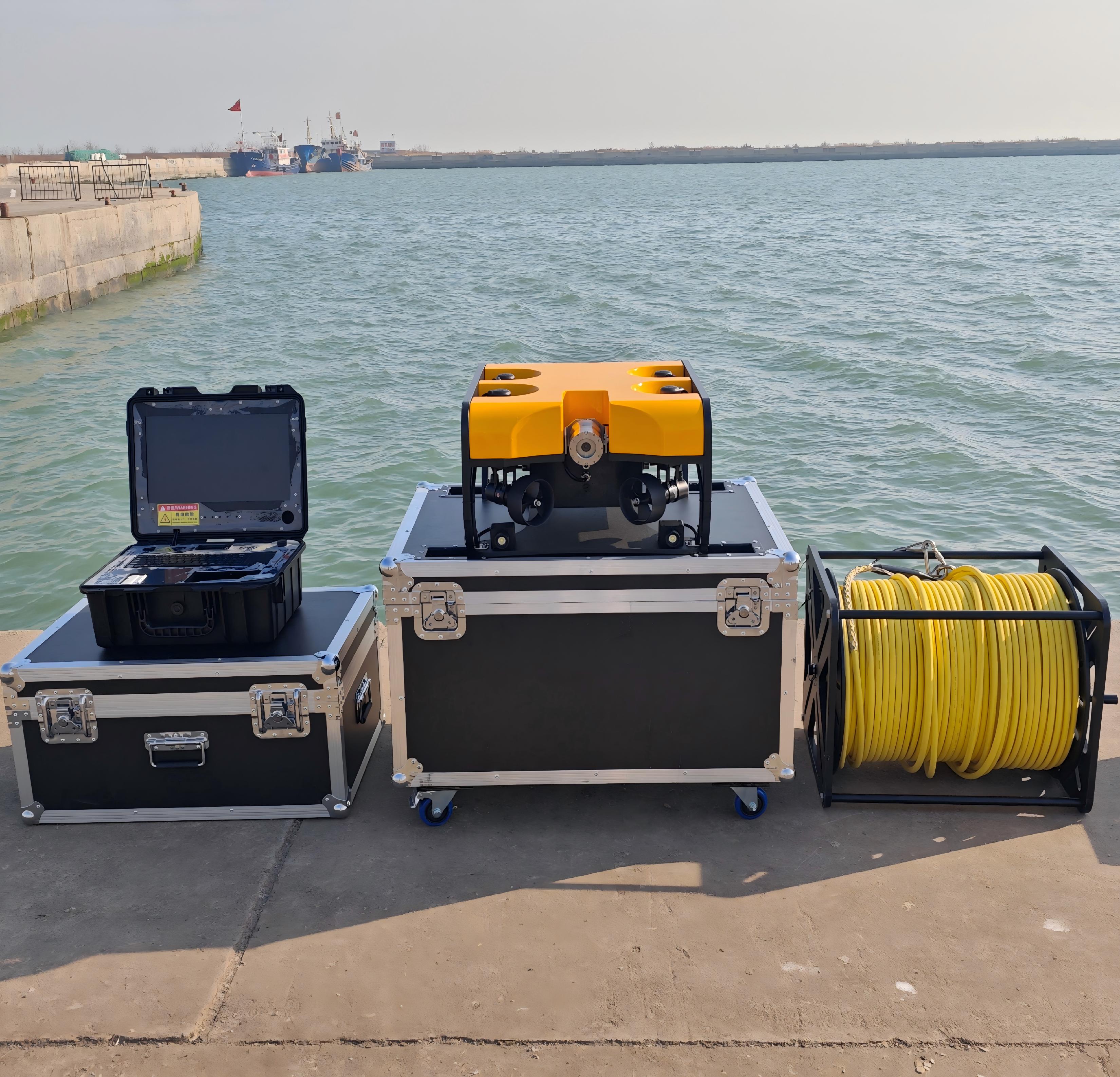
Common options include lighting, extended tether, console package, grabber, sonar, sensor bracket, spare parts and cases.

Is OEM required?

Distributors can discuss logo, color, package, manual, spare parts and local market material.

Need Model Recommendation?

Send scenario details for a practical ROV quotation.

Share this application, working depth, visibility, payload needs and delivery country. ROV123 will recommend a suitable platform and export package.

Send Scenario Details
Email Us WhatsApp Request Quote